
AWeber vs Mailchimp: Which Free Plan Is Better?
Both tested on the free plan · November 2026
We opened a fresh free account on each. On AWeber we published its signup page and a welcome email, then signed up as a test subscriber. On Mailchimp we sent a short newsletter. Mailchimp's email reached the Gmail inbox. Both of AWeber's emails landed in spam. Short answer: Mailchimp is the safer free start from a Gmail address. AWeber's free plan does more than you'd expect, but plan on your own domain.
Quick answer
Pick Mailchimp if you want a newsletter that reaches the inbox from a Gmail address, with a guided setup.
Pick AWeber if you have your own domain and want a free signup page plus an automatic welcome email.
Side by side, on the free plans
| AWeber | Mailchimp | |
|---|---|---|
| Where our test emails landed | Gmail spam (confirmation and welcome emails) | Gmail inbox (newsletter) |
| Sender when using a Gmail address | Our Gmail, sent "via" AWeber | Rewritten onto Mailchimp's own domain |
| Getting to the free plan | A small link under a full paid-trial page | Last column on a page that opens on a paid trial |
| Business address required | Yes | Yes |
| Signup page | Included free pre-built hosted page | Not tested |
| Automatic welcome email | Included free switched on with no paywall | Not tested |
| Double opt-in by default | Yes | Not tested |
| Branding | "powered by AWeber" on the signup page | Intuit Mailchimp badge in emails |
| Newsletter send | Not tested | Tested, reached the inbox |
Setting up on both
AWeber asked about our business and required a mailing address. Then it showed a full upgrade page for a paid trial. The only way to stay free was a small text link at the very bottom. Once in, AWeber was generous: its getting-started list published a hosted signup page and switched on a welcome email, both on the free plan.
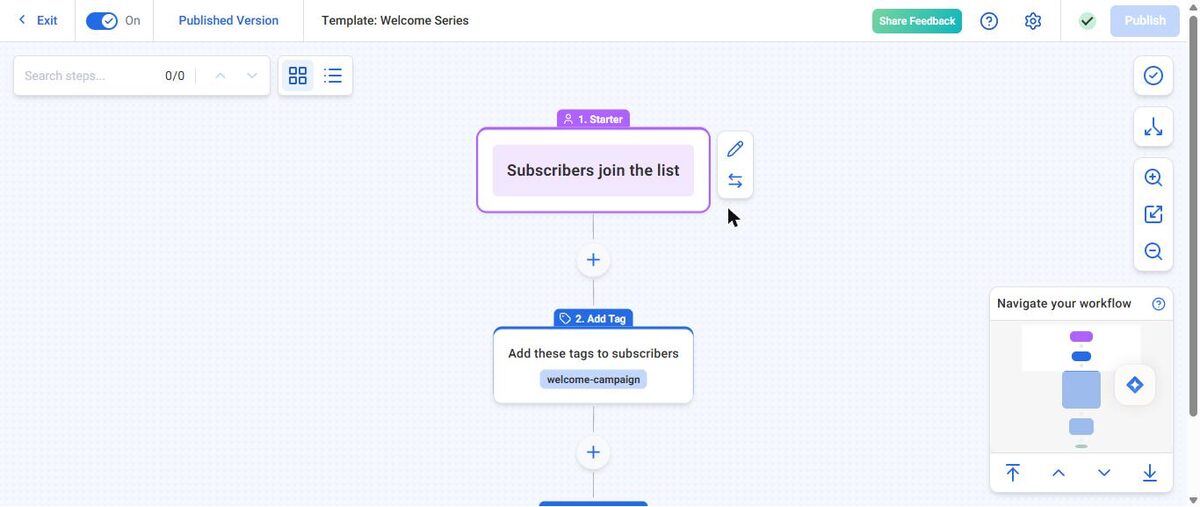
The pre-built signup page was generic, though. It had filler text, no logo and a "powered by AWeber" badge. Edit it before you share it.
Mailchimp scanned our website for our logo, colors and fonts, then pushed a paid trial, with the free plan as the last option. Its campaign checklist made sending easy.
Where each one makes you upgrade
AWeber says its free plan includes email marketing, landing pages and signup forms, with caps on subscribers and monthly emails. Removing AWeber branding needs its Plus plan.
Mailchimp's free plan limits how many users and audiences you get, and has no text messages. Some templates and badge removal are paid.
We don't print limits or prices because both companies change them. Check each tool's pricing page.
Deliverability: the big difference
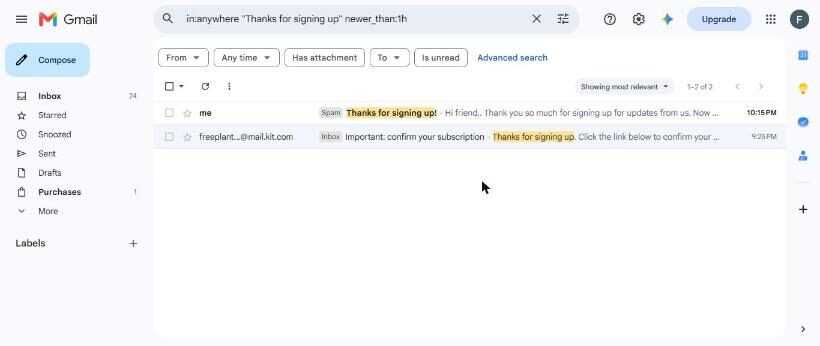
AWeber sent our confirmation email and welcome email from our Gmail address "via" aweber.com, and both landed in spam. AWeber had even warned us, before publishing, that new sender rules mean you should set up your own domain.
Mailchimp moved our sender onto its own domain and delivered our newsletter to the inbox after a few minutes. See our spam test for every result.
Which one fits your situation?
You only have a Gmail address today. Mailchimp.
You have your own domain and want a welcome email running from day one. AWeber's free plan covers that, with a hosted signup page included.
Our pick
Mailchimp, for most beginners. It reached the inbox from a Gmail address. Read our Mailchimp review.
Choose AWeber if you'll send from your own domain and want free automation from the start. Read our AWeber review, or line them up in our compare tool.