
Buttondown Free Plan Review: Simple, Fast, and It Hit the Inbox
Tested on the free plan · November 2026
We signed up for Buttondown with a Google account, named our newsletter, and joined it as a reader. Then we wrote and sent a newsletter and checked where it landed. Short answer: Buttondown was the fastest setup we've tested, and both of its emails reached our inbox. The trade-offs are a "Powered by Buttondown" badge and a list of paid add-ons for anything beyond writing and sending.
Our verdict
Good fit for: a writer who wants a plain, fast newsletter with a public archive and no marketing extras.
You'll outgrow it when: your list passes the free cap, or you want automations, paid subscriptions or the badge removed. Each is a separate paid add-on.
What we built
"Sign up with Google" created our account in one step. There were no setup questions, no plan picker and no address form. We renamed the newsletter, subscribed to it from its public page, confirmed by email, and sent one newsletter. Every point below comes from our test notes and screenshots.
The fastest setup we've tested
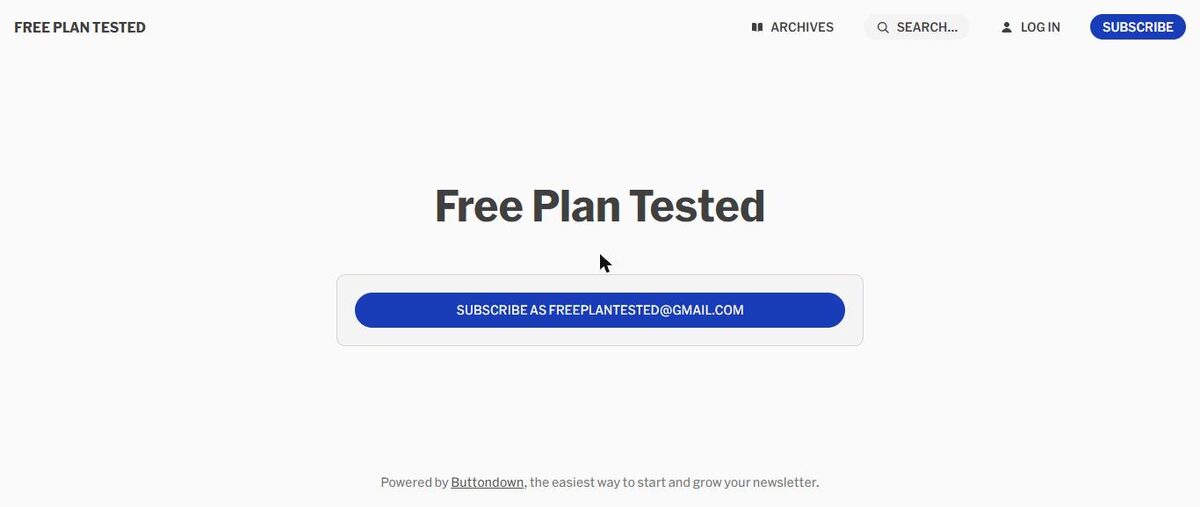
Most tools ask about your business, your list size and your goals before you see anything. Buttondown dropped us straight into settings, with a live preview of our public page beside them. That page lives on a free buttondown.com address and has a subscribe box, an archive of past emails and search.
What's included free
| Feature | Free plan | Notes from our test |
|---|---|---|
| Public page and archive | Included free | Hosted on a buttondown.com address, with search |
| Double opt-in | Included free | On by default; readers confirm by email |
| Welcome email | Included free | A built-in "You're in!" email arrived right after we confirmed |
| Writing and sending newsletters | Included free | Simple editor with a live email preview |
| Sending from your own domain | Included free | Listed on the pricing page; we didn't set one up |
| Automations | Paid add-on | Listed as an add-on on the pricing page |
| Paid subscriptions | Paid add-on | Listed as an add-on on the pricing page |
| Removing Buttondown branding | Paid add-on | Whitelabeling is an add-on |
Where our emails landed
This is where Buttondown stood out. When we subscribed, the confirmation email arrived within seconds, in the inbox. After we confirmed, a short built-in welcome email ("You're in!") arrived right away, also in the inbox. Our test newsletter arrived about a minute after we sent it, also in the inbox.
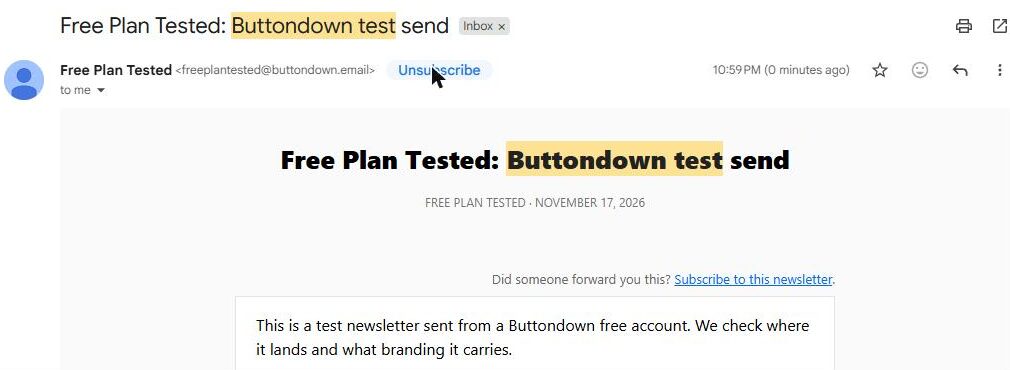
The reason is how it sends. Buttondown gave us our own address on its sending domain ([email protected]) instead of sending as our Gmail address. Tools that tried to send as our Gmail address, like AWeber and GetResponse, landed in spam in our tests. One test isn't proof, but it's a real difference.
Sending felt safe
Before you send, Buttondown checks your email: it confirms the subject, counts words, links and images, and asks who should get it. You can also choose "nobody", which posts the email to your archive only. After you confirm, a short undo window appears in case you change your mind.
The badge
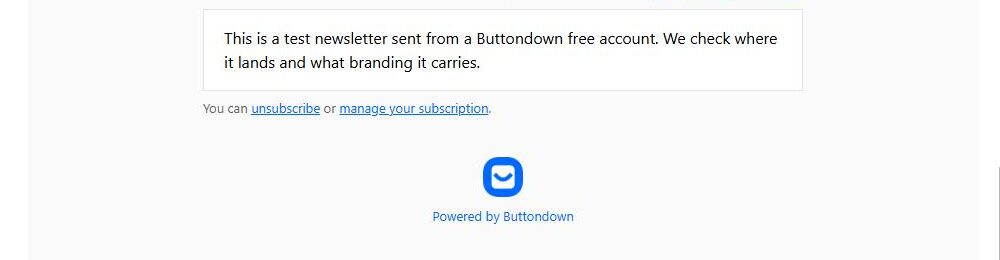
Our public page and our email both carried "Powered by Buttondown". Removing it is part of a paid whitelabeling add-on.
Where the paywall hits
Buttondown prices by add-on rather than by tier. Automations, paid subscriptions, tags and segments, detailed analytics, RSS-to-email, and archives on your own domain are each sold separately. The free plan also has a subscriber cap. Check Buttondown's pricing page for current limits and add-on prices.
What we liked
- Sign-up to a live public page in about a minute
- Both test emails reached the inbox
- Your own sending address on Buttondown's domain
- Double opt-in on by default
- A short undo window after you hit send
What held us back
- "Powered by Buttondown" on the page and every email
- No custom automations on free beyond the built-in welcome email
- Most extras are paid add-ons, priced one by one
Buttondown free plan vs. the alternatives
beehiiv's free plan is also built for writers and also sends a welcome email, but it asks more questions at setup. Kit gives creators landing pages and forms, but its test broadcast from a Gmail address landed in spam. If you want a simple newsletter that reaches the inbox with almost no setup, Buttondown was the easiest start in our tests.
Should you upgrade?
Stay on free if you're writing a newsletter for a small list and don't mind the badge.
Think about upgrading if you want automations beyond the built-in welcome email, want to charge readers, or want the badge gone. Add only the add-ons you need; current prices are on Buttondown's pricing page.
Ready to try Buttondown? A writer who wants a plain, fast newsletter with a public archive.
Try Buttondown free